The Update You Have Been Asking For
From day one, OneScale's promise was simple: a POS that never stops selling. The desktop app delivered that with a local database that works through power cuts and internet outages. But it also meant your business lived on one machine — and you had to be standing in front of it to see anything.
That changes today. OneScale now runs fully online. Open onescalepos.com/pos in any browser — a laptop at home, a tablet at a stall, the phone in your pocket — sign in with your OneScale account, and you are looking at a complete, working register connected live to your business.
What Works Online Today
- The full selling loop: browse products, scan barcodes with the device camera, build the cart, take payment, print or email the receipt.
- Live inventory: every sale deducts stock in the cloud instantly. Edit a price on the dashboard and the POS sees it on the next load.
- Cash register sessions: open a float, record cash in/out, close and reconcile — from the browser.
- Order history and refunds: look up any order and process a refund from anywhere.
- Email receipts: type the customer's address on the receipt screen and a clean, professional receipt lands in their inbox.
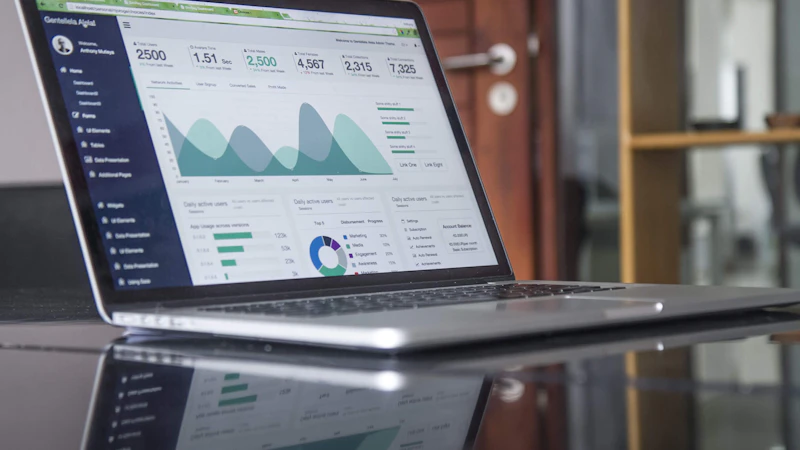
- The owner dashboard: revenue tiles, 7-day trends, top products, low-stock alerts — updated the second a sale happens on any device.
What This Is Not
This is not a replacement for the desktop app — it is a second way in. The shop counter should still run the desktop app, because it keeps selling when the internet does not. The online POS is for everywhere else: the second register during rush hour, the pop-up stall on the weekend, the owner checking in from another city, the new customer who wants to try OneScale before installing anything.
How the Two Work Together
Both the desktop app and the online POS talk to the same OneScale cloud. Online sales appear in your dashboard the same second. Desktop sales sync up in the background whenever the machine is connected. One business, one set of numbers, visible from anywhere.
Getting Started
- Go to onescalepos.com/pos in any modern browser.
- Sign in with the same account you use at onescalepos.com.
- Sell.
That is genuinely the whole list. No installation, no setup wizard, no hardware. If you can open a website, you can open a register.